How to Sync HomeAway Calendar With a Direct Booking Website
Why calendar sync matters for direct booking websites For vacation rental owners, calendar sync is one of the first things to plan before building...
Why calendar sync matters for direct booking websites
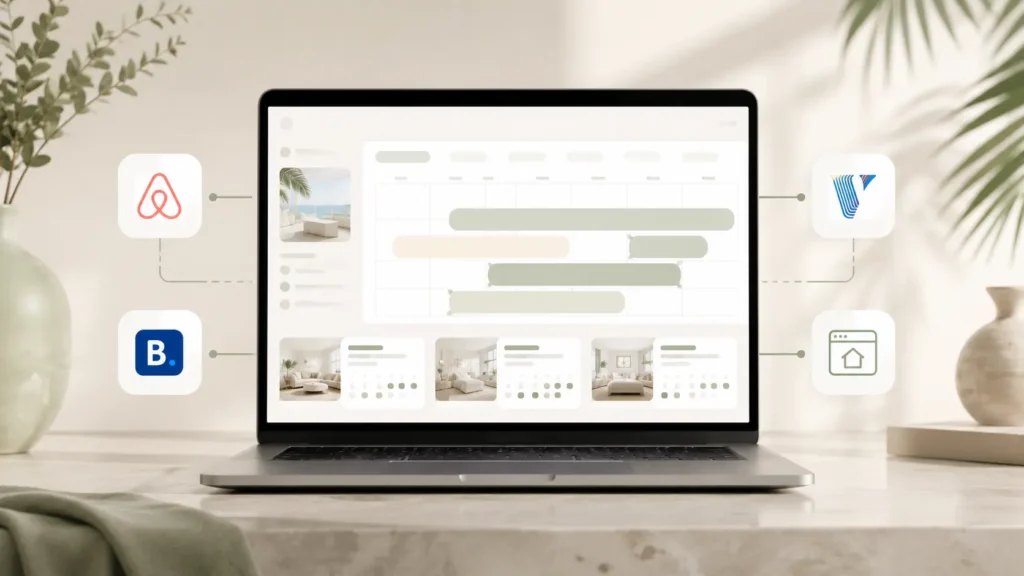
For vacation rental owners, calendar sync is one of the first things to plan before building a direct booking website. If a property is listed on HomeAway, Vrbo, Airbnb, Booking.com, or another platform, the website needs a clear way to avoid double bookings and keep availability easier to manage.
Many owners search for HomeAway calendar sync, but today most HomeAway-related setup is usually handled through Vrbo. HomeAway was part of the Expedia Group vacation rental system, and the brand was later consolidated around Vrbo. Vrbo still provides calendar import and export options for property owners through iCal links.
What iCal calendar sync does
iCal sync lets one booking calendar share reserved dates with another calendar. For example, a Vrbo calendar can export reserved dates, and another website or booking tool can import that calendar link. The reverse can also happen if your direct booking system provides an export calendar link.
This is useful because it helps your website understand when a property is already unavailable. Vrbo’s own help documentation explains that owners can import a calendar by going to the listing calendar, opening availability settings, and adding an iCal URL from another website or platform. Vrbo also provides export calendar options so reservation dates can be shared with other calendars or booking platforms.
What iCal does not do
iCal is helpful, but it is not the same as a full channel manager. It usually syncs availability dates, not the full booking process. It may not sync guest details, pricing rules, payments, messages, cleaning tasks, or advanced booking logic.
That means a simple iCal setup can work for some small property websites, but larger rental businesses often need a more complete booking stack. Tools such as Lodgify, Guesty, Hostaway, Beds24, Smoobu, Hospitable, or MotoPress may be used depending on the property count, booking flow, and how much automation is needed.
Basic direct booking website calendar setup
A clean direct booking website setup usually starts with three questions:
- Where is the main booking calendar managed?
- Which platforms need to share availability?
- Should the website accept direct bookings, or only send inquiries?
If the website only collects inquiries, the calendar setup can stay lighter. If guests can book directly from the website, the booking system needs to be planned more carefully because availability, payment, confirmation emails, and booking rules all need to work together.
When a simple iCal setup is enough
A simple iCal setup can be enough when the property owner has one property, simple rates, and a lower booking volume. It can also work when the website is mainly used as a direct inquiry page, while final booking confirmation still happens manually or inside an existing booking platform.
For example, a villa, cabin, apartment, or small stay may only need a clean property page, trust-building content, an inquiry form, and synced availability. In that case, the website does not need to become a complex booking engine immediately.
When a booking tool is better
A booking tool or channel manager is usually better when there are multiple units, different rates, seasonal rules, direct payments, deposits, cleaning fees, guest emails, or several booking channels. In that case, the website should connect with the booking tool instead of trying to manage everything manually.
This is where platforms like Lodgify, Guesty, Hostaway, Beds24, Smoobu, and similar tools become useful. The website can focus on presentation, trust, guest journey, SEO, and conversion, while the booking tool handles availability and booking logic.
How I plan calendar sync before building the website
Before designing the page, I usually look at the current property setup first. The important details are the number of properties, the current booking platforms, whether the owner wants instant booking or inquiry first, and whether they already use a booking tool.
After that, the website structure becomes easier to plan. A direct booking website should not just look good. It should make the next step clear for the guest, whether that step is checking availability, sending an inquiry, or completing a booking through a connected tool.
Final note
If you are trying to sync a HomeAway or Vrbo calendar with your own direct booking website, start by deciding whether you need simple availability sync or a full booking system. iCal can help with basic availability, but it is not always enough for a complete direct booking operation.
A clear website setup should match the way your property is actually managed. That keeps the booking path simpler for guests and easier for the owner to maintain.
Want a cleaner booking path?
Send your property link, current booking setup, or existing website before planning a rebuild.