Lodgify website design for direct booking stays.
Guest focused WordPress websites built around Lodgify booking pages, property links, inquiry flow, and direct booking direction.
Lodgify site improvements without forcing WordPress.
Some Lodgify projects do not need a separate WordPress website. I can improve the existing Lodgify website builder pages with custom HTML and CSS sections, cleaner layout, clearer content flow, and a stronger booking path.
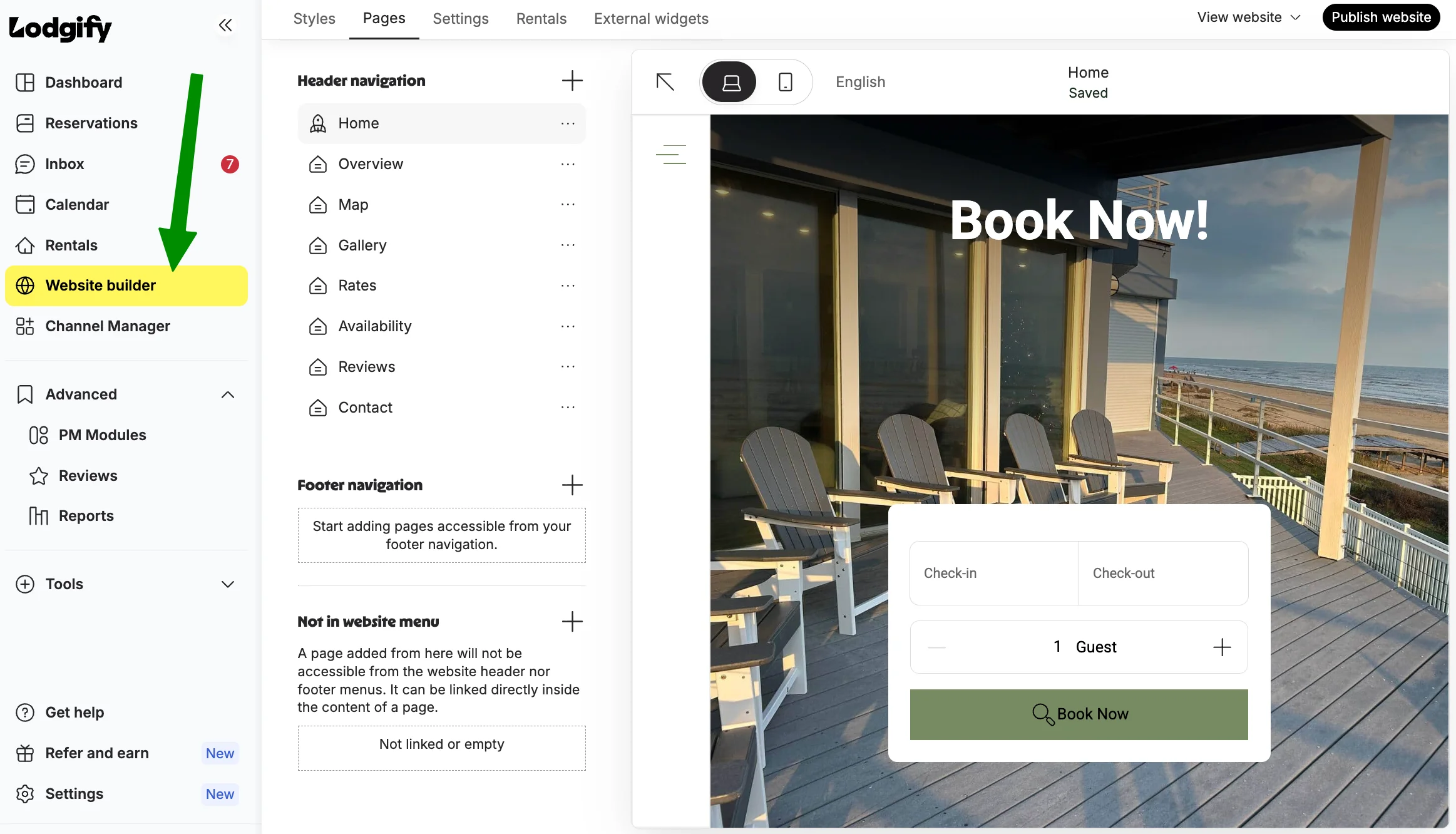
Built inside Lodgify
Existing Lodgify pages can be improved without moving the full website to WordPress.
Custom HTML and CSS sections
Custom sections can improve page layout, content flow, spacing, and the overall guest experience.
WordPress only when needed
If the project needs stronger SEO pages or a larger brand website, WordPress can connect back to Lodgify booking pages.
What can a Lodgify website setup include?
A Lodgify website setup can connect your WordPress pages with the right guest action, including Lodgify booking links, property pages, inquiry flow, and trust focused content.
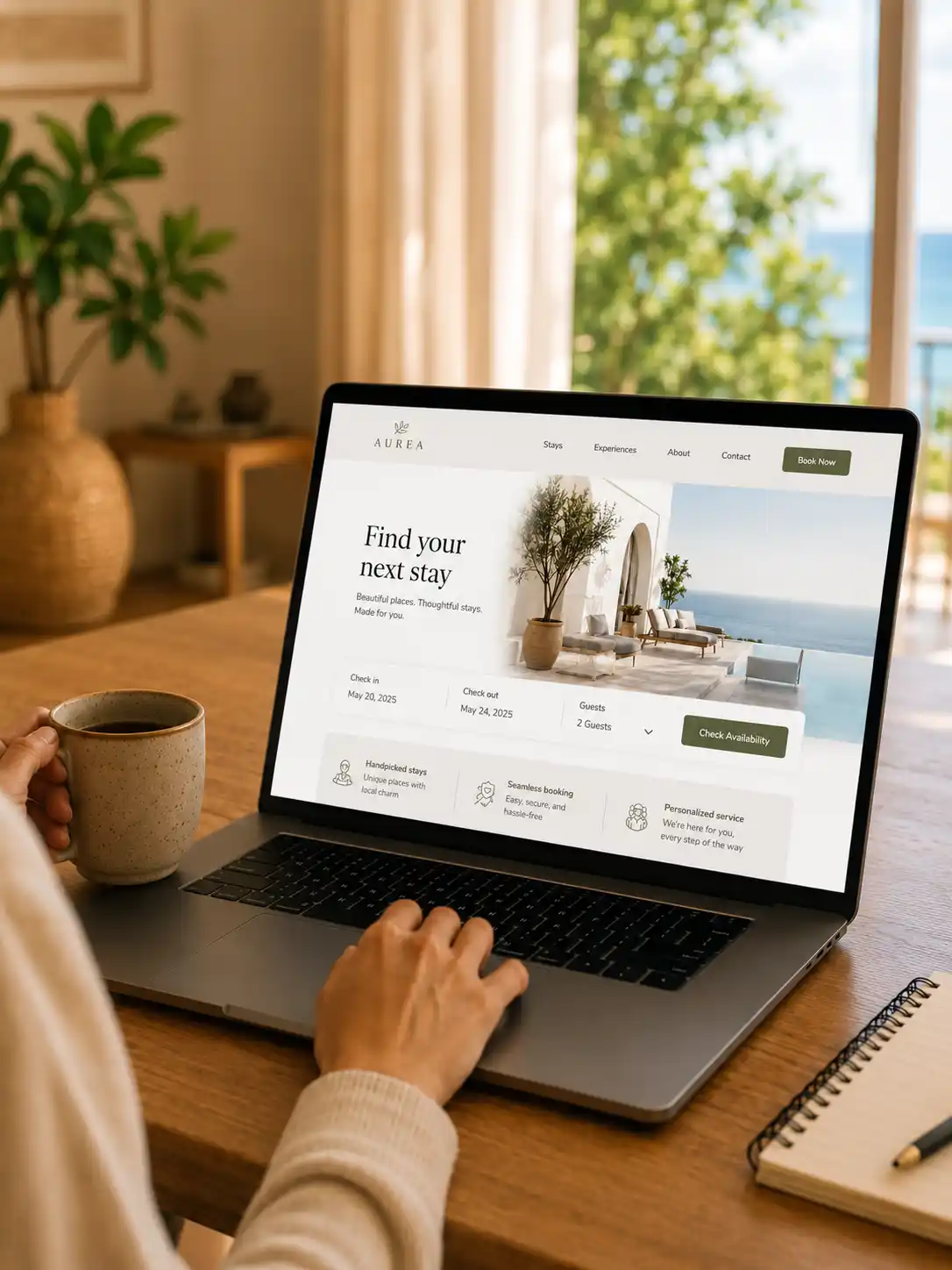
Lodgify booking direction
Booking buttons, Lodgify property links, widgets, or request paths are placed where guests are ready to act.
Property pages
Clear pages for the stay, rooms, amenities, gallery, location, policies, and guest questions.
Booking links
Lodgify booking pages or widgets can be connected from hero, property sections, and CTA areas.
Guest trust
Reviews, host notes, FAQs, contact options, and mobile friendly content before the booking step.
Lead path
Live chat, inquiry form, email, or booking request flow can collect project or guest details clearly.
WordPress pages can support the Lodgify booking flow.
Lodgify handles the booking system. The WordPress website should make the guest journey clearer before visitors reach the booking action.
Lodgify booking links, widgets, or property pages can sit inside a clearer WordPress website journey.
Property page first
The guest understands the stay, rooms, amenities, location, photos, and policies before booking.
Lodgify action placed clearly
Booking links, buttons, widgets, or request paths are placed where the guest is ready to act.
Trust sections before action
Reviews, FAQs, host notes, contact options, and clear rules reduce hesitation before inquiry.
Mobile friendly flow
Buttons, galleries, booking paths, and page sections stay easy to use from phones.