What does a direct booking website setup include?
A direct booking setup connects the guest facing website with the right booking action, so visitors can move from property details to inquiry or reservation without confusion.
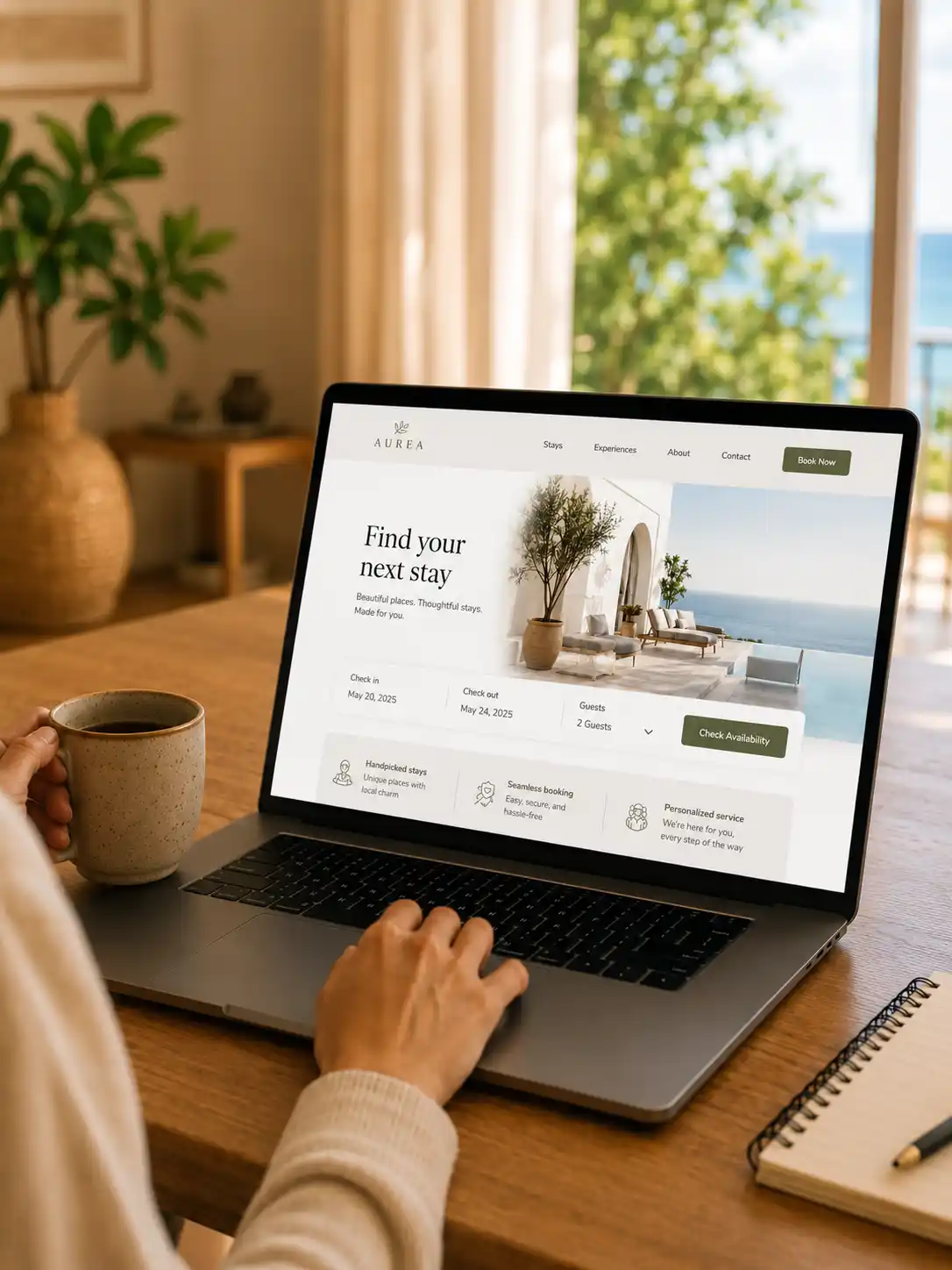
Booking action placement
The booking button, inquiry form, PMS page, widget, or calendar link is placed where the guest has enough context to take action.
Property page structure
Clear sections for the stay, rooms, amenities, location, gallery, policies, and guest questions.
Booking tool connection
Website flow planned around Lodgify, Smoobu, Hostaway, Beds24, Guesty, inquiry forms, or calendar links.
Trust before booking
Reviews, host notes, FAQs, contact options, and mobile readable content before guests decide.
Simple lead path
Chat, email, inquiry form, or booking request flow can collect the details needed to move forward.
Direct booking needs more than a booking link.
A direct booking website should make guests feel confident before they click, inquire, or reserve. The page needs property clarity, trust content, and a booking path that appears at the right moment.
Guests need context first
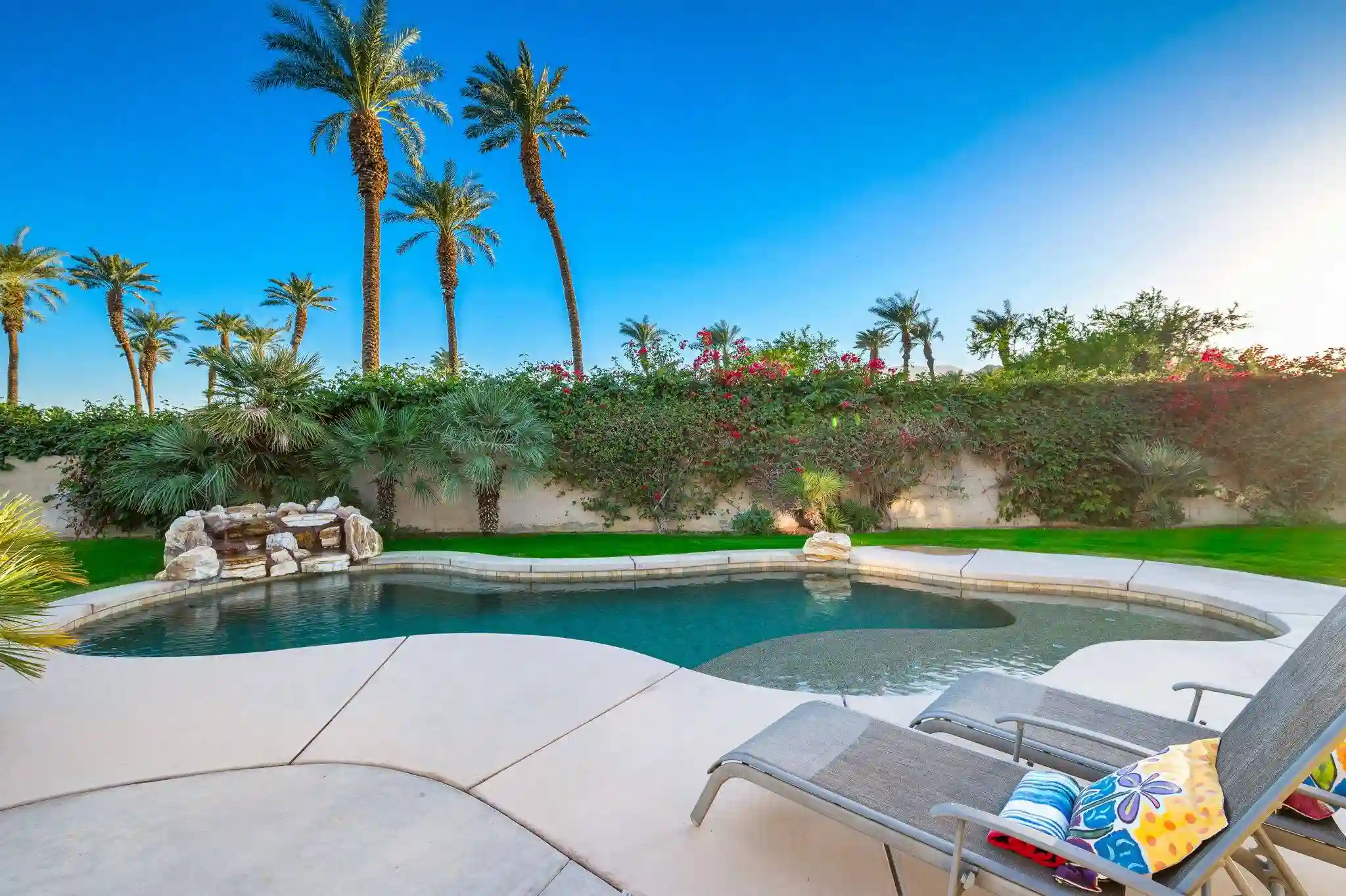
Before booking, visitors need to understand the stay, rooms, location, amenities, photos, policies, and basic guest expectations.
The action needs direction
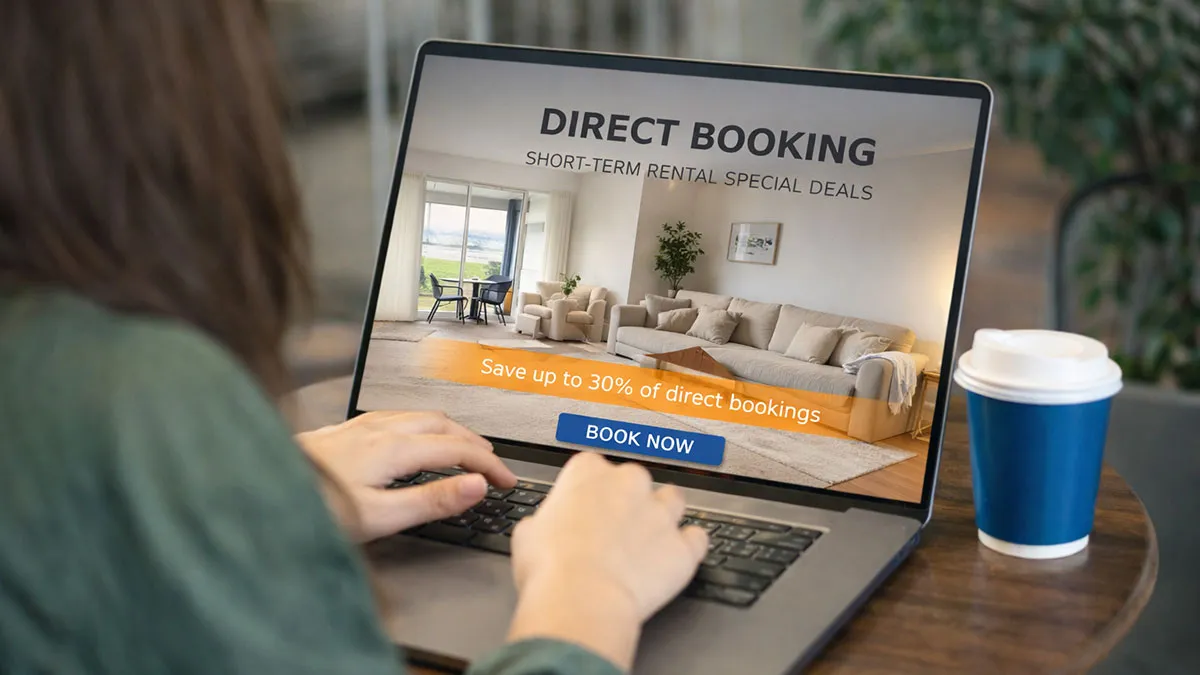
A booking widget, PMS page, inquiry form, calendar link, or contact button should feel connected to the page instead of added at the end.
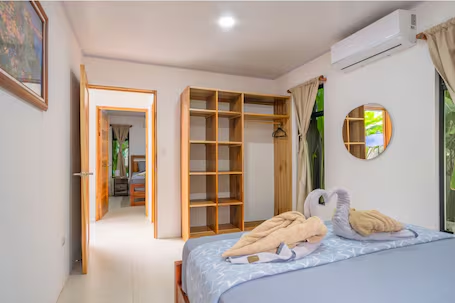
Trust reduces hesitation
Reviews, FAQs, gallery sections, host notes, clear policies, and mobile friendly content help visitors take the next step with more confidence.
Direct booking setup can work around your existing tools.
The website does not need to replace your PMS or booking system. It should present the stay clearly and guide guests into the right booking, inquiry, calendar, or direct contact path.
Discuss your booking setupLodgify
Booking pages, widget placement, property links, and direct booking flow.
Smoobu
Booking engine links, calendar visibility, and WordPress page direction.

Hostaway
Direct booking website direction for Hostaway based rental brands.
Beds24
Booking links, availability paths, and clear guest facing website pages.
Guesty
Website structure, booking action placement, and trust sections.
Airbnb iCal
Simple calendar visibility and external booking direction when needed.
Kaium Stays is not affiliated with these companies. Tool names are used only to describe possible website and booking flow setup.
A direct booking flow should feel natural.
The website should not push visitors too early. A better flow gives them the right information first, then moves them toward inquiry, calendar check, or booking.
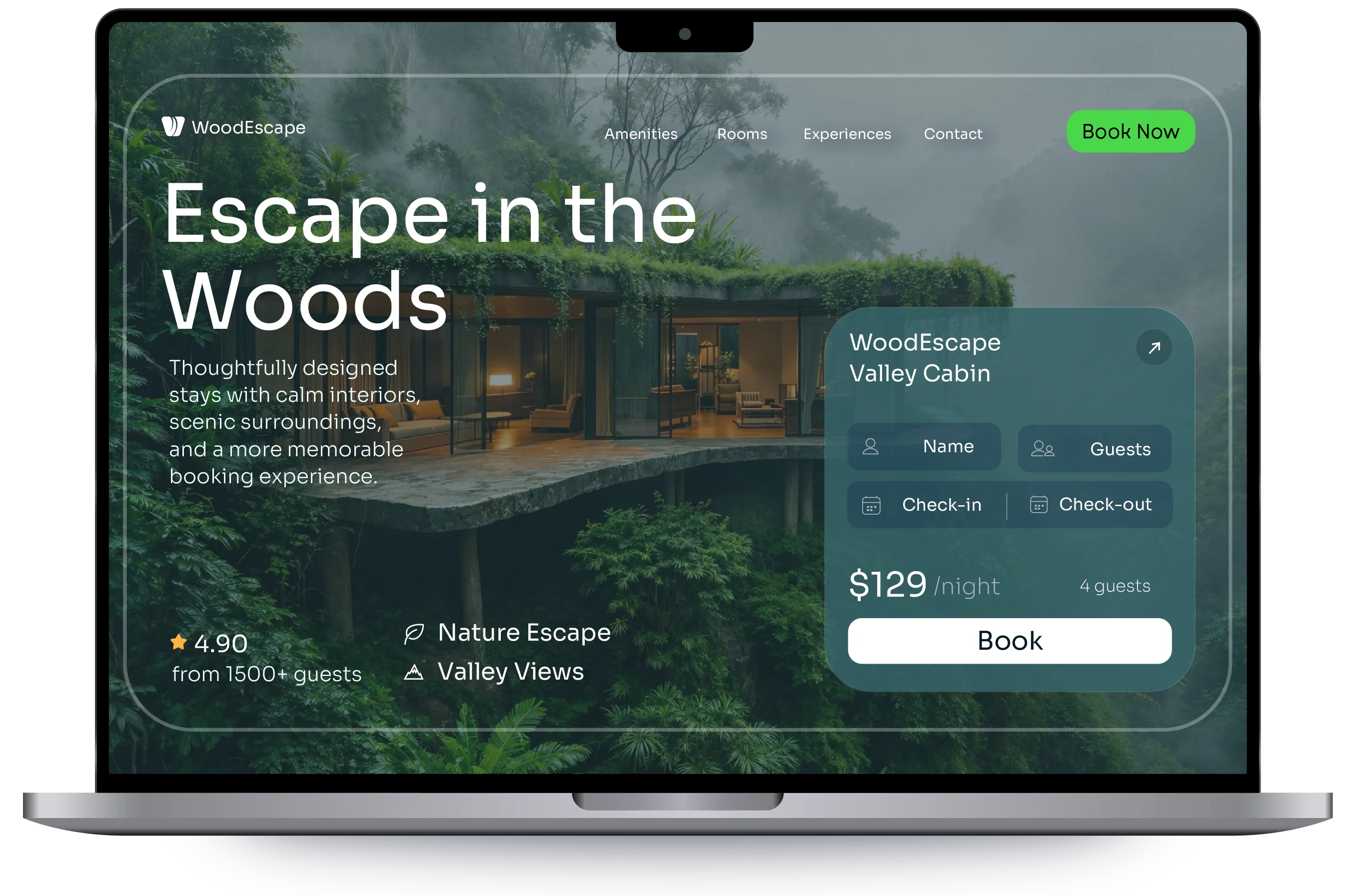
From property interest to booking action.
A direct booking website should guide the guest from first impression, to stay details, to trust content, and then to a booking request or reservation path.
First impression
Hero, property value, location, and the stay type should be clear quickly.
Stay details
Rooms, amenities, gallery, rules, policies, and nearby context help visitors decide.
Trust layer
Reviews, host notes, FAQs, photos, and contact options reduce hesitation.
Booking action
The guest reaches the inquiry form, booking widget, PMS page, calendar, or chat CTA.