Beds24 logo Beds24 website design

Beds24 website design for clearer direct booking flow.

Guest focused websites for vacation rentals, apartments, villas, guesthouses, and property brands using Beds24 for booking, availability, rates, channels, and direct booking setup.
A Beds24 website needs clear guest direction.

Beds24 can manage rates, availability, bookings, channels, and automation. The website still needs to help guests understand the stay, compare the right property, and continue to the correct booking action.

01

Make the property easy to understand

Rentals, rooms, amenities, location, photos, policies, and guest fit should be clear before the visitor reaches the booking step.

02

Connect content with the Beds24 path

Booking buttons, widgets, links, and inquiry routes should sit in the right places, not feel pasted onto the page.

03

Support direct booking confidence

Reviews, FAQs, house rules, contact options, and guest notes can reduce hesitation before someone books or sends an inquiry.

Apartment booking website design connected with booking software
Beds24 logo Beds24 website setup

A cleaner website around your Beds24 booking setup.

Beds24 can handle the booking engine, rates, availability, and channel manager side. The website around it should make each property easier to understand before guests continue to the booking action.

Property presentation

Show apartments, rooms, amenities, photos, policies, and location details in a cleaner website flow.

Beds24 booking connection

Booking links, widgets, booking pages, or inquiry paths can be placed after the visitor understands the stay.

Direct booking confidence

Add reviews, FAQs, trust notes, contact options, and clear CTAs so the page does more than display availability.

The booking flow should feel simple before Beds24 opens.

Guests should not land on a booking screen without context. A stronger website flow explains the stay first, builds confidence, then sends visitors into the Beds24 booking action.

01

Show the right stay

Property pages help guests understand the rental type, layout, amenities, location, photos, and stay rules.

02

Answer booking questions

FAQs, reviews, policies, contact options, and helpful notes reduce confusion before guests check availability.

03

Send guests to Beds24

Booking widgets, direct links, inquiry forms, or property specific booking actions can connect into your Beds24 setup.

Relevant booking website work.

Selected booking website examples shaped around property presentation, guest trust, direct booking direction, and clear booking flow.

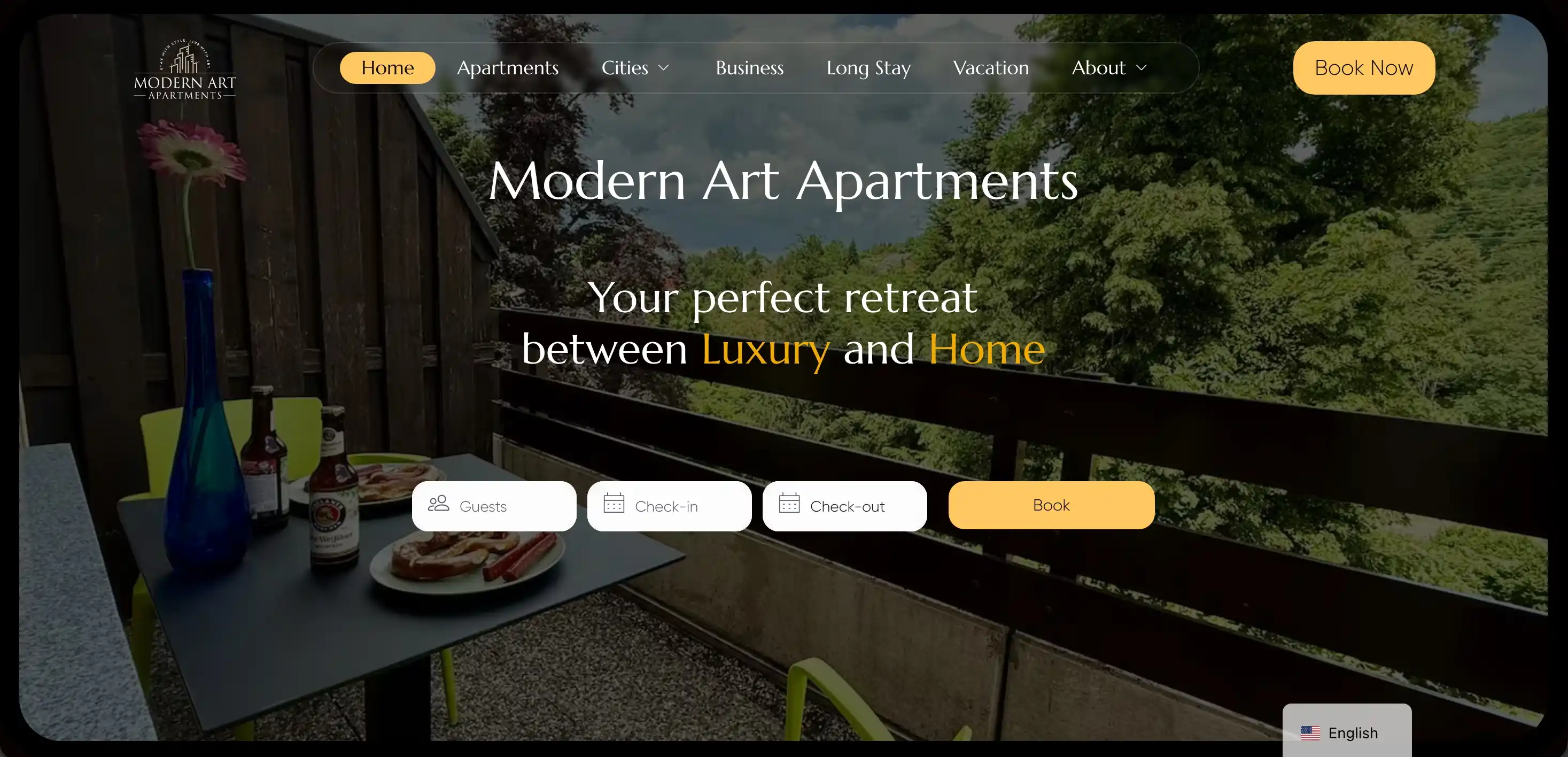
Apartment stay website with polished property presentation, location content, and booking focused page direction.

  • Apartment rental
  • Property pages
  • Booking path
Open site

Beach rental website shaped around property presentation, guest confidence, and a clearer booking journey.

  • Rental website
  • Guest trust
  • Booking flow
Open site

These examples show how booking websites can support property content, direct booking direction, and guest confidence before the booking action.

View more work

Beds24 website design questions.

Clear answers for property owners and rental brands planning a website around Beds24, direct booking, property pages, and guest focused booking flow.

Can you build a website around Beds24?

Yes. I can design a website that supports Beds24 booking links, widgets, direct booking pages, inquiry paths, property pages, and guest focused content.

Do I need WordPress if I already use Beds24?

Not always. Beds24 can handle the booking system, but WordPress is useful when you need stronger property pages, SEO pages, custom design, and a clearer branded website experience.

Can the website work for multiple properties?

Yes. The website can support apartments, villas, cabins, guesthouses, or a larger rental portfolio with individual property pages and clear booking actions.

What should I send before starting?

Send your Beds24 booking setup, current website if you have one, property links, number of rentals, photos, and the main action you want guests to take.